
My Bar
Review and manage your saved bar inventory.
Getting started · Standard
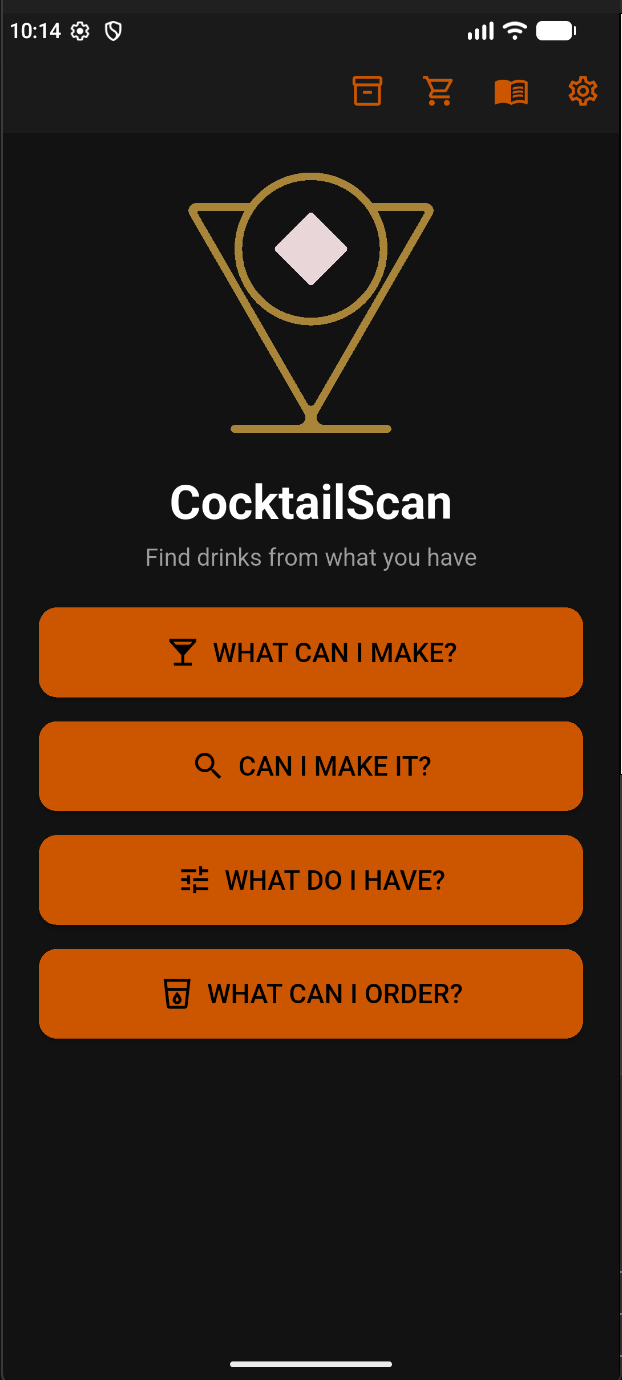
CocktailScan Standard gives you four ways to explore drinks, plus quick access to your bar, shopping list, library, and settings.
Your everyday tools
These four shortcuts appear across the top of your main menu. From left to right:

Review and manage your saved bar inventory.
Review the ingredients you plan to buy.
Browse recipes and reference information, including ingredients, components, glassware, ice, and bar tools.
Adjust your CocktailScan preferences.
Choose your starting point
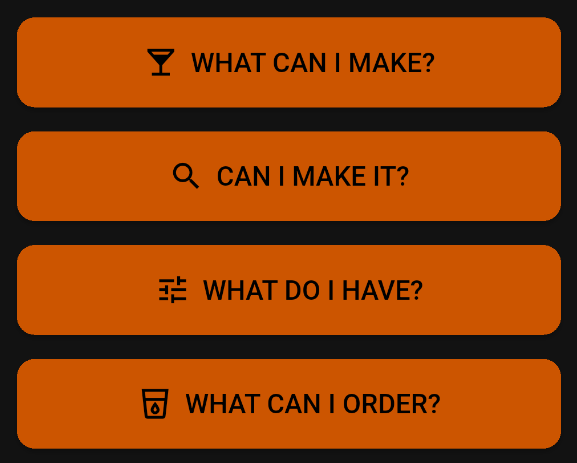
Discover cocktails you can make from your available ingredients. Start here when you want drink ideas.
Check a particular cocktail against your available ingredients. Start here when you already have a drink in mind.
Select the ingredients available to you so CocktailScan can find matching drinks.
Explore drink possibilities from ingredients available at a bar or another location. Suggestions do not confirm that a venue offers a particular cocktail.
Your first drink starts here
Tap What Do I Have? to select your available ingredients, then tap What Can I Make? to discover a drink.
