Explore the Library · Standard
Drink Recipes
Learn to browse drink recipes and follow the connected reference details in CocktailScan.
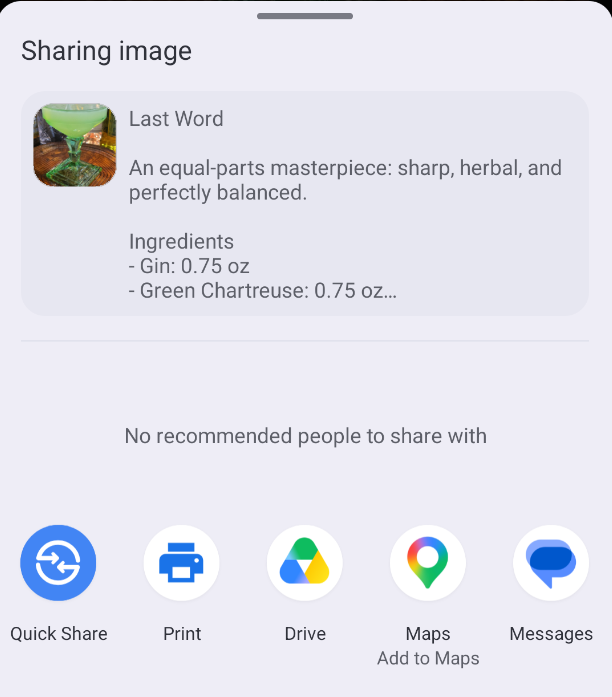
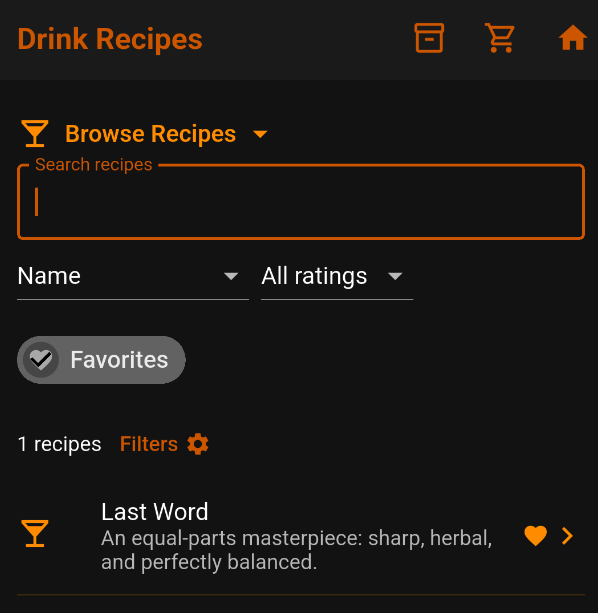
Browse drink recipes
Search by name or browse the recipe list. Tap a drink or its arrow to open the complete recipe.
Each entry has a name and short description. The result count reflects the current list; this screenshot shows 563 recipes.
The top icons open My Bar, Shopping List, and Home. Tap Browse Recipes to switch libraries.
Filters provides additional ways to narrow the results.
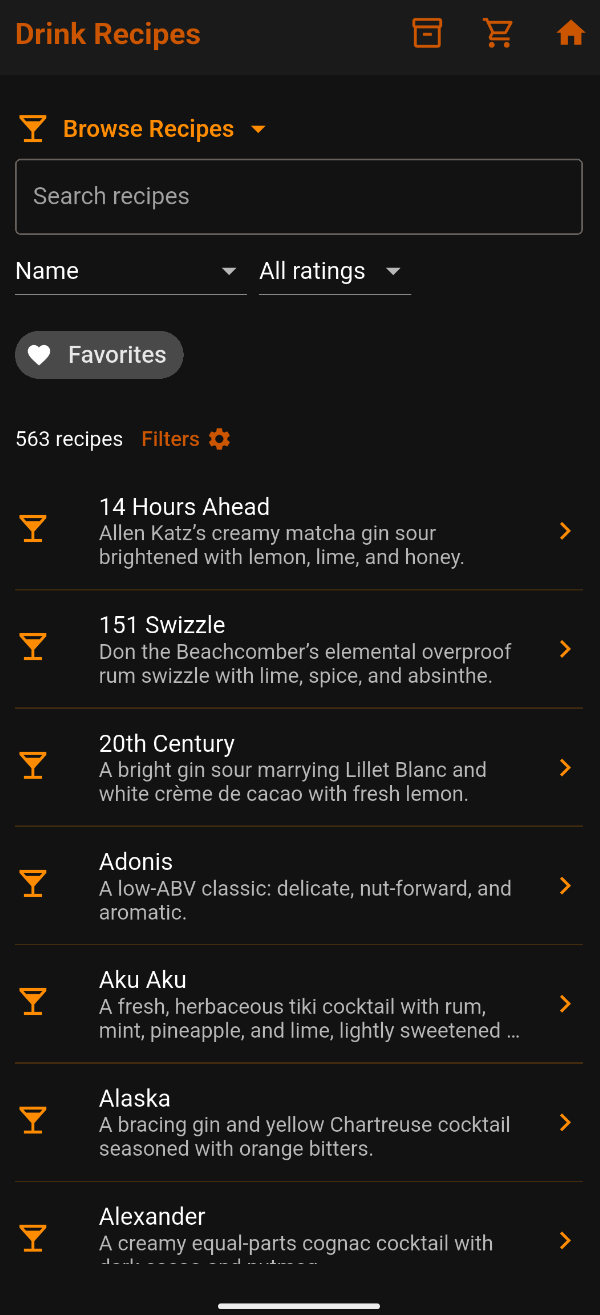
Choose a sort order
Tap Name to choose Name (alphabetical), Rating: high to low, or Rating: low to high. Rating sorts use your personal ratings.
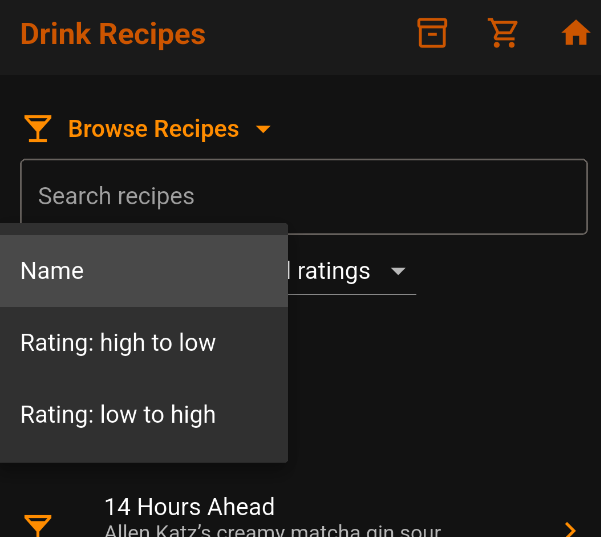
Filter by your ratings
Tap All ratings to choose a minimum rating. Rated ★4+ shows four- and five-star recipes; Rated ★5 shows five-star recipes. Choose All ratings to remove this restriction.
Show your favorites
Tap Favorites to show only drinks you marked with a heart. Tap again to turn it off. Here, Last Word is the only favorite.
Favorites and ratings are separate: you can favorite a drink without rating it.
Open, rate, and favorite a recipe
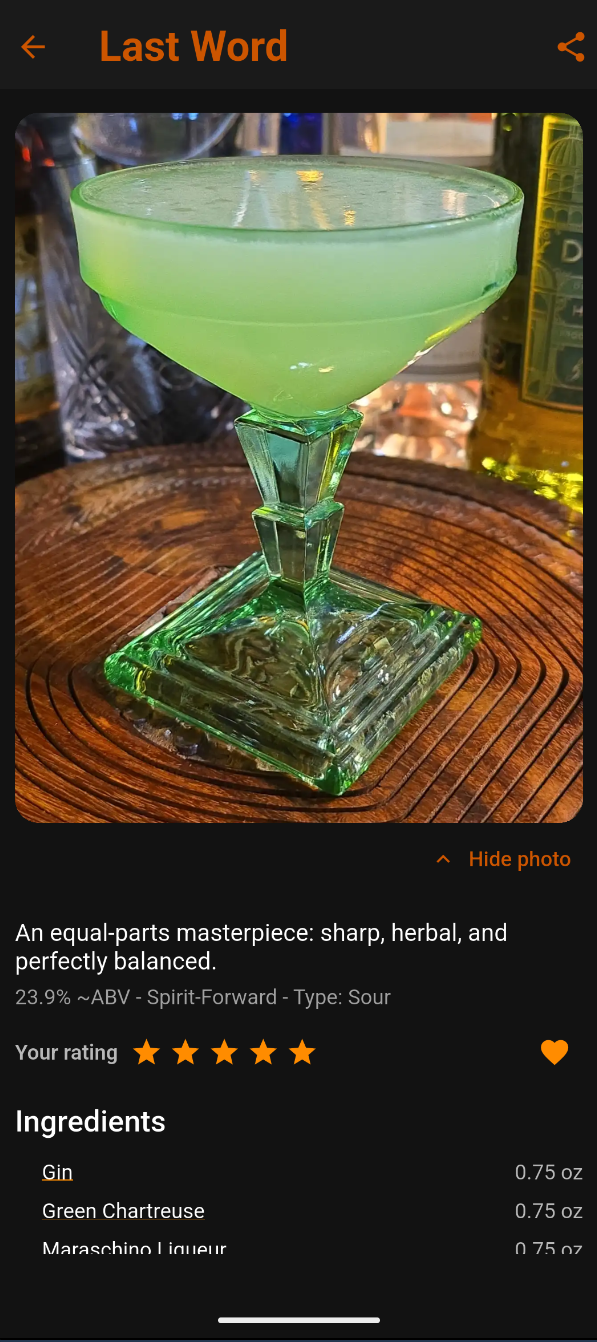
Tap a recipe to read its ingredients and instructions. Use the stars for a personal one-to-five-star rating and the heart to mark or unmark a favorite.
Here, Last Word has five stars and a filled favorite heart. Tap Hide photo for more room.
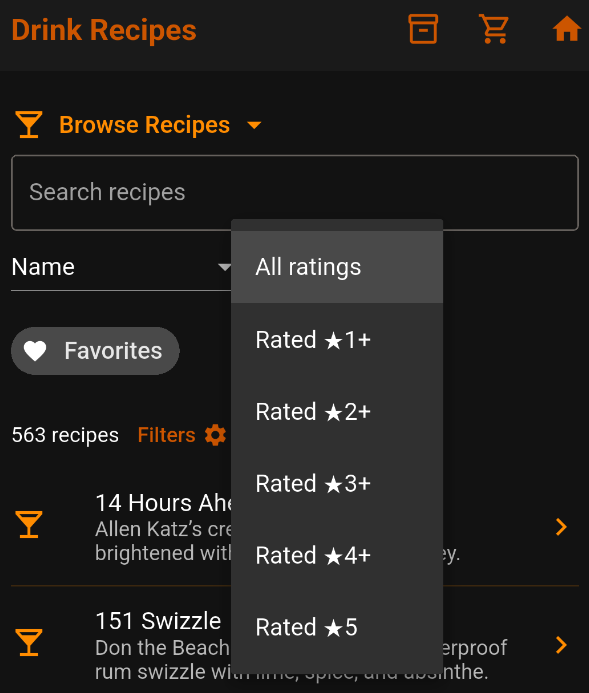
Share a recipe
Tap the share icon at the top right. Choose an available app or action to share the recipe and image. Options depend on your device and installed apps.